What families get
The site a family sees, designed for your local area.
In this guide
A clean home page
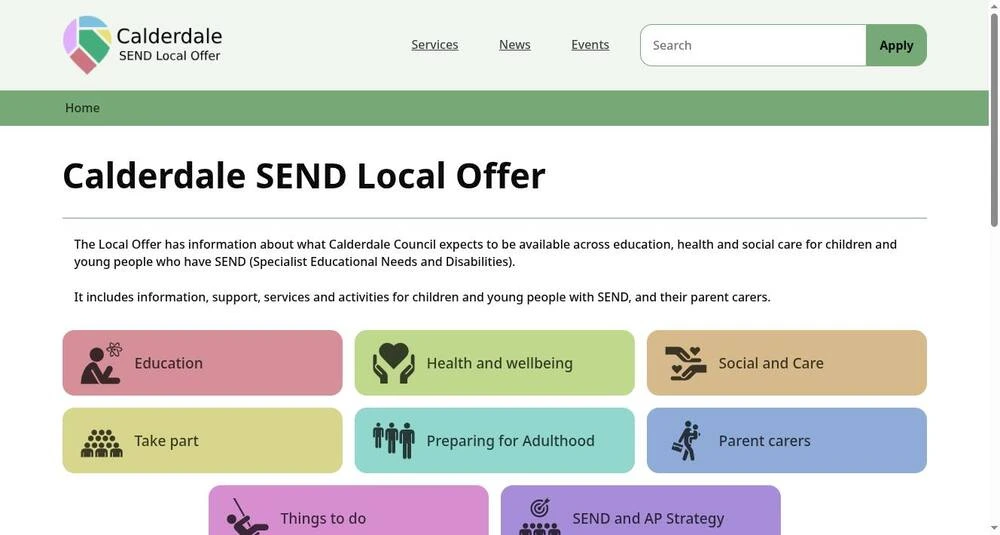
With fewer choices, parent carers and young people can get started without overwhelm.
Plain sections
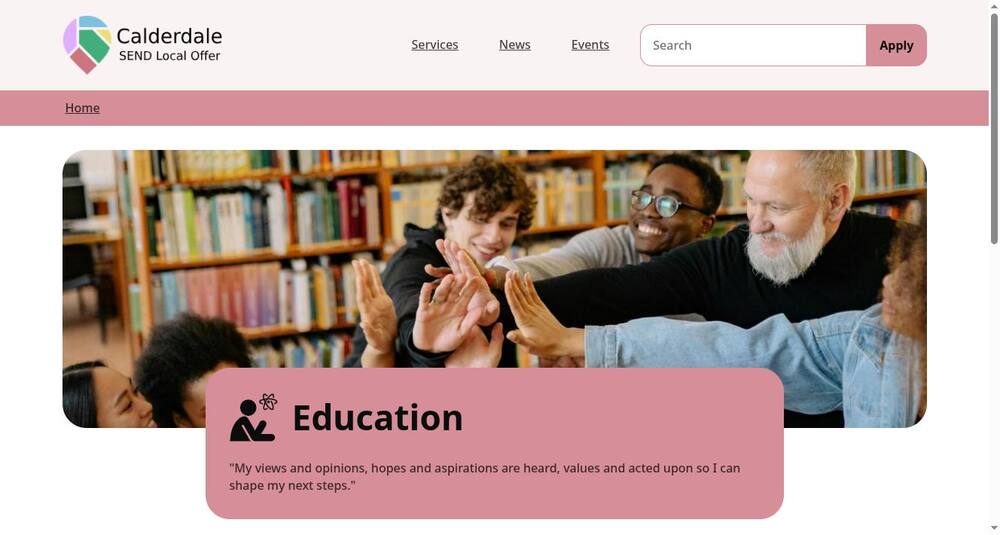
Education, health, care, preparing for adulthood and more, each with its own colour and icon, so nobody gets lost.
See how clean a section page is on the Calderdale Local Offer
Guides that read in order
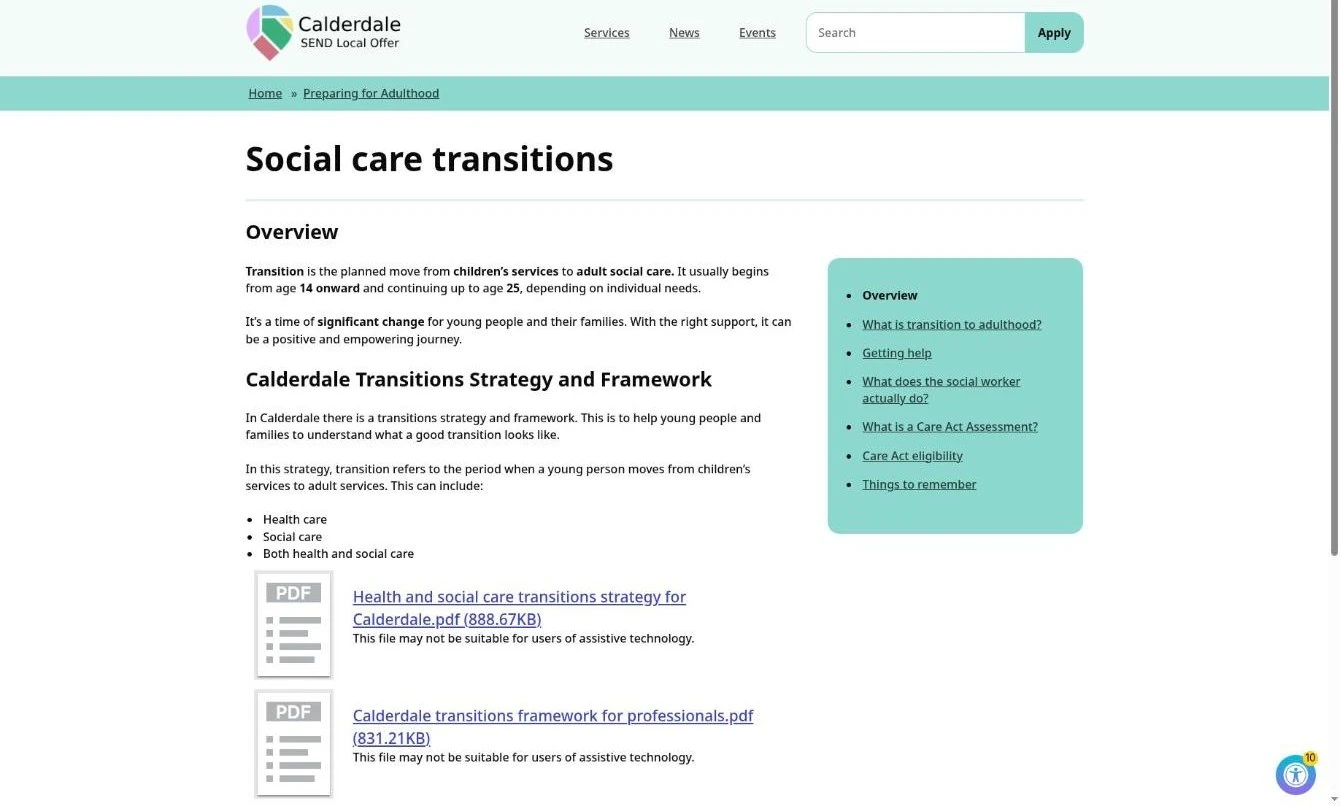
Topics broken down into short pages, so people can find the exact information they need.
Step by steps, numbered
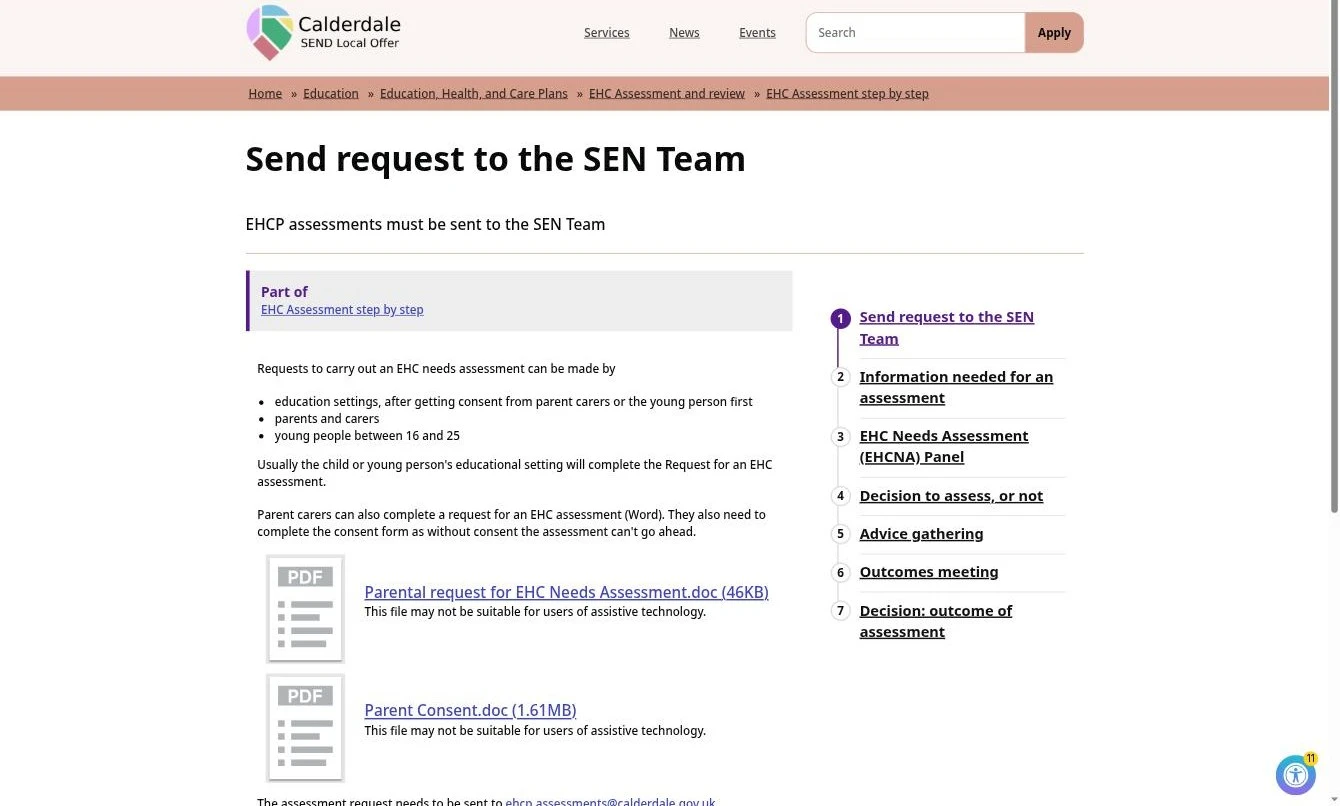
Applying, appealing, moving. How to guides, one numbered step at a time.
Service directory
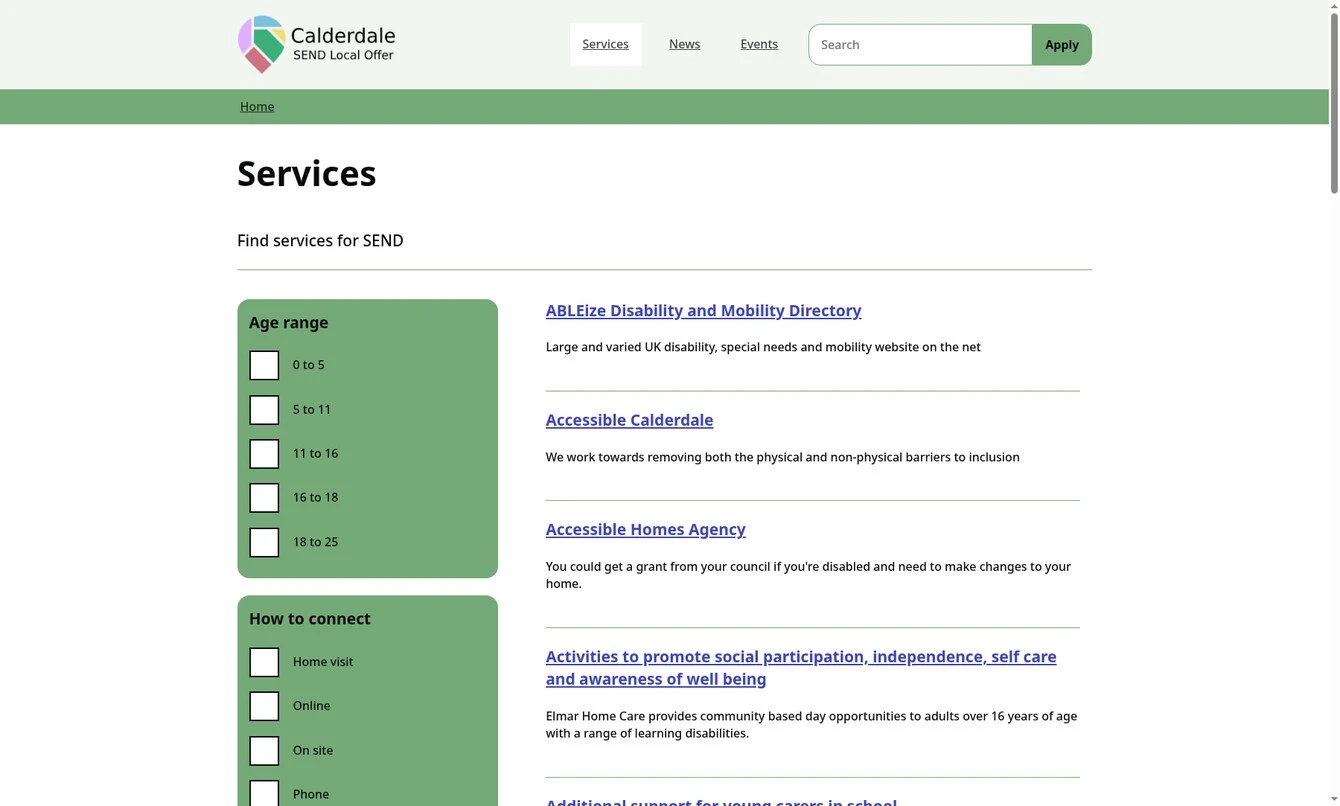
All the services for children and young people, and parent carers, with useful filters.
Events and news
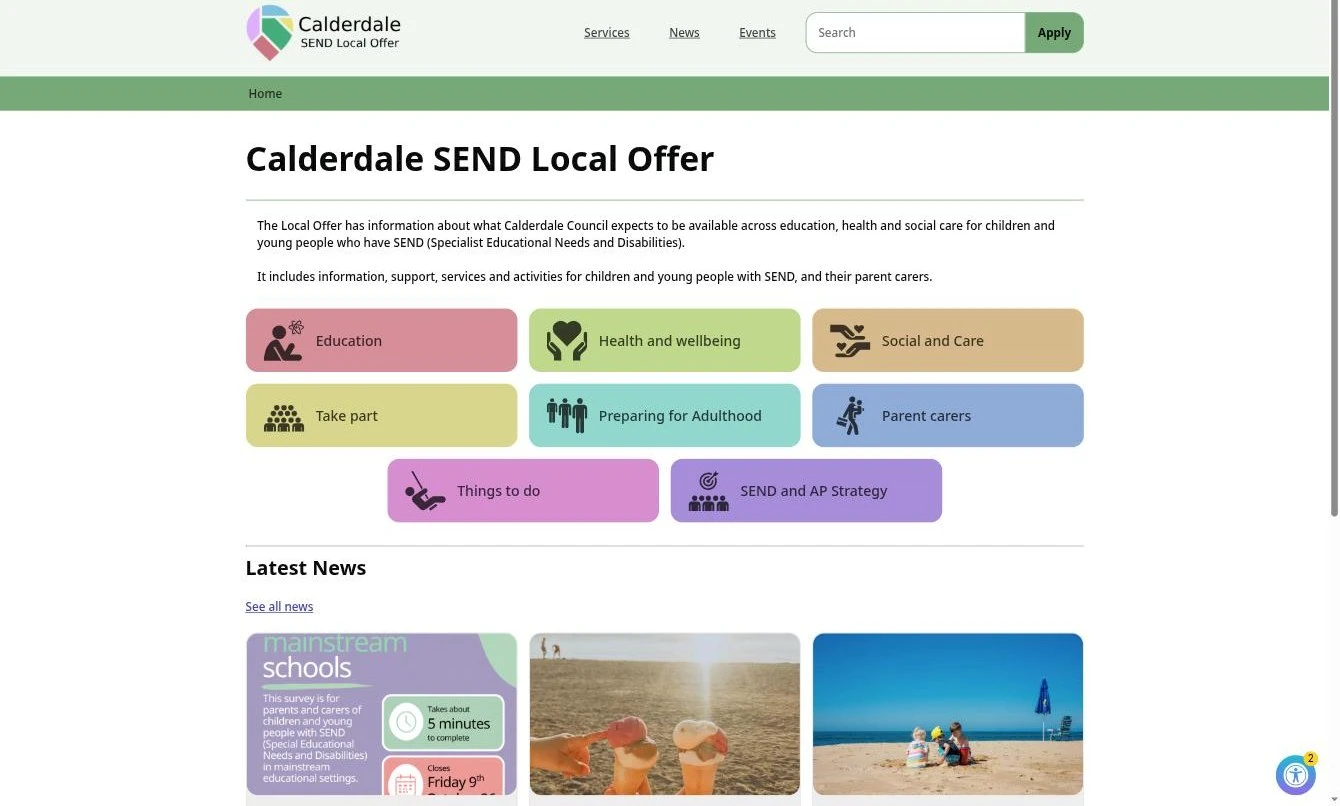
What's on this week and the latest newsletter, on the front page.
A schools directory
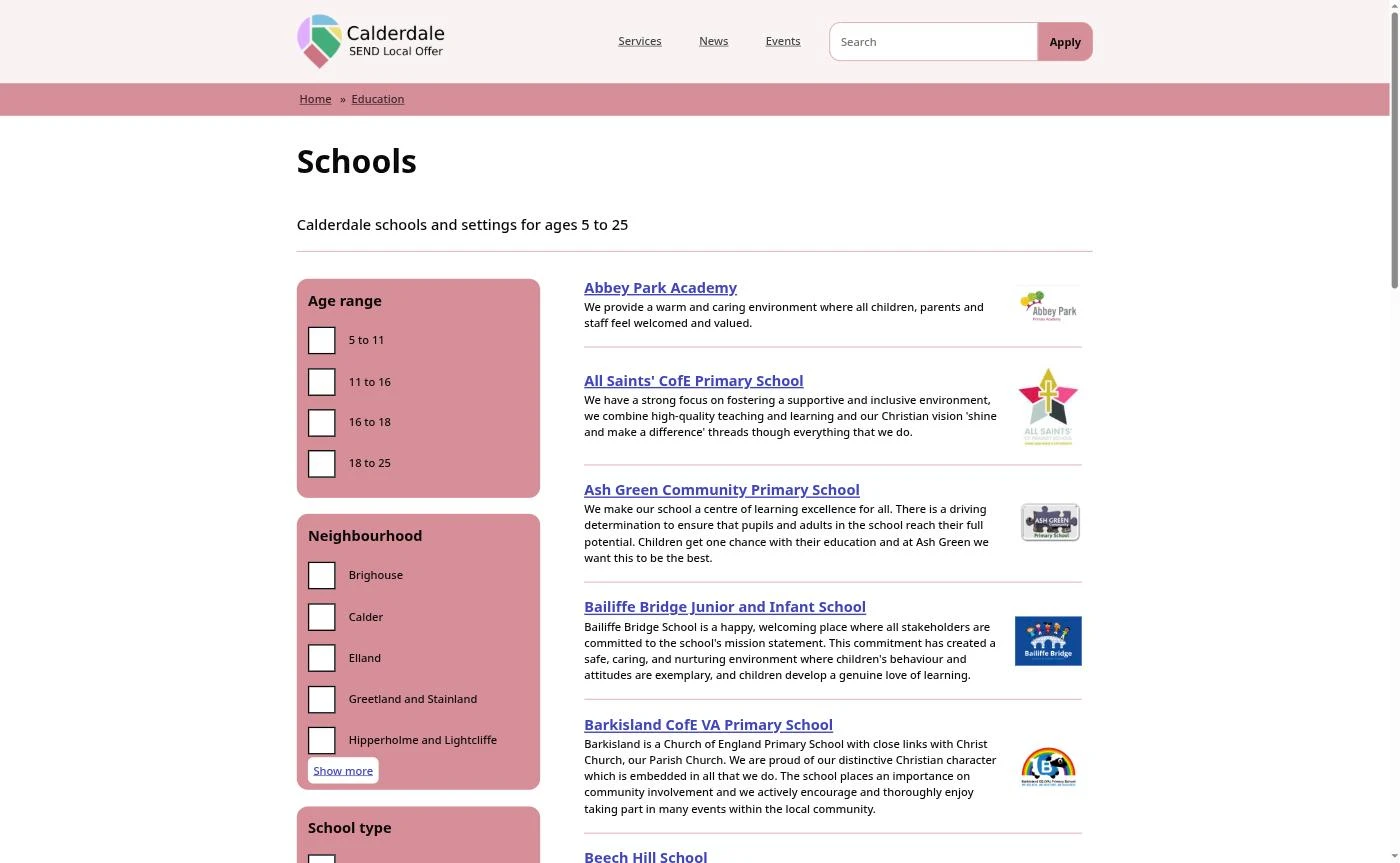
The same directory, filtered to schools, with resourced provision and alternative provision marked. All with links to settings' SEND pages.
Publications
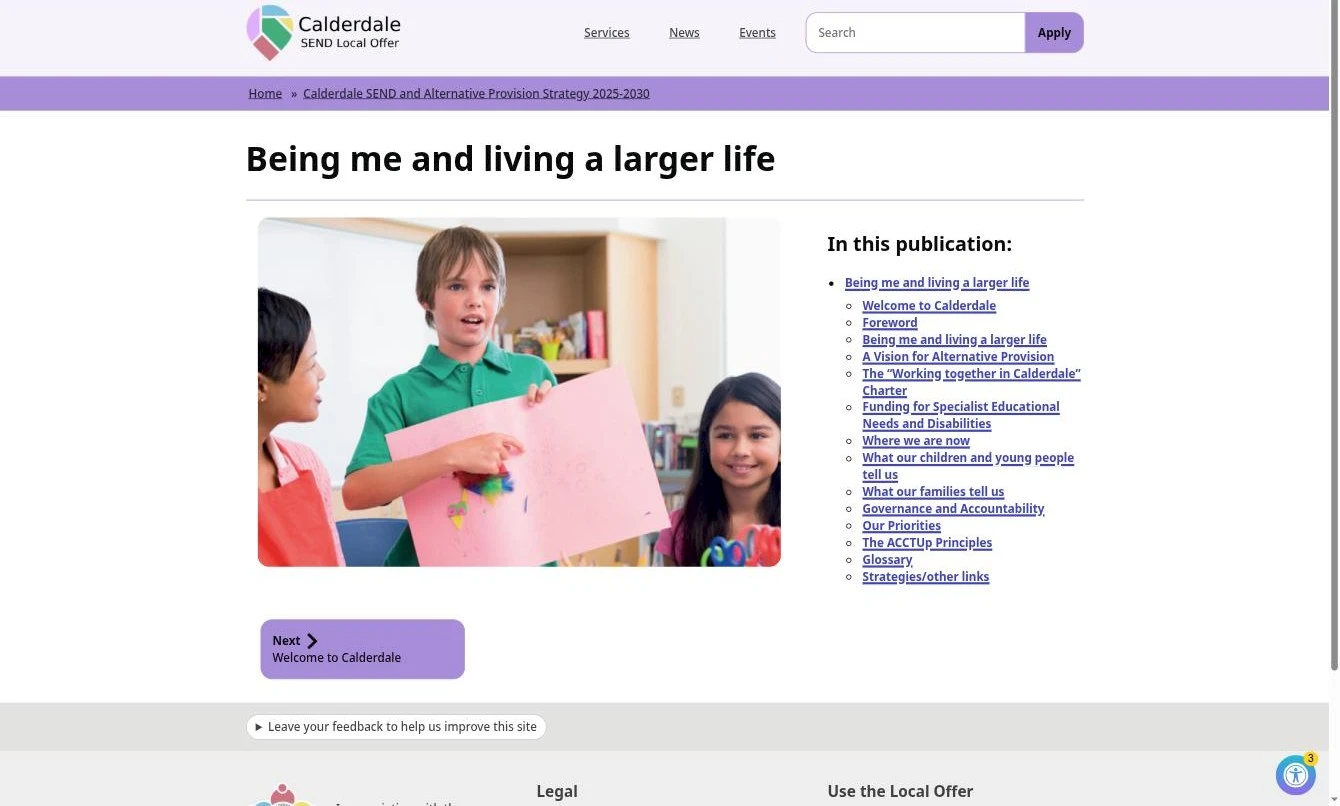
Strategies, policies and reports as pages you can read and search, not just PDFs to download.
A feedback button on every page
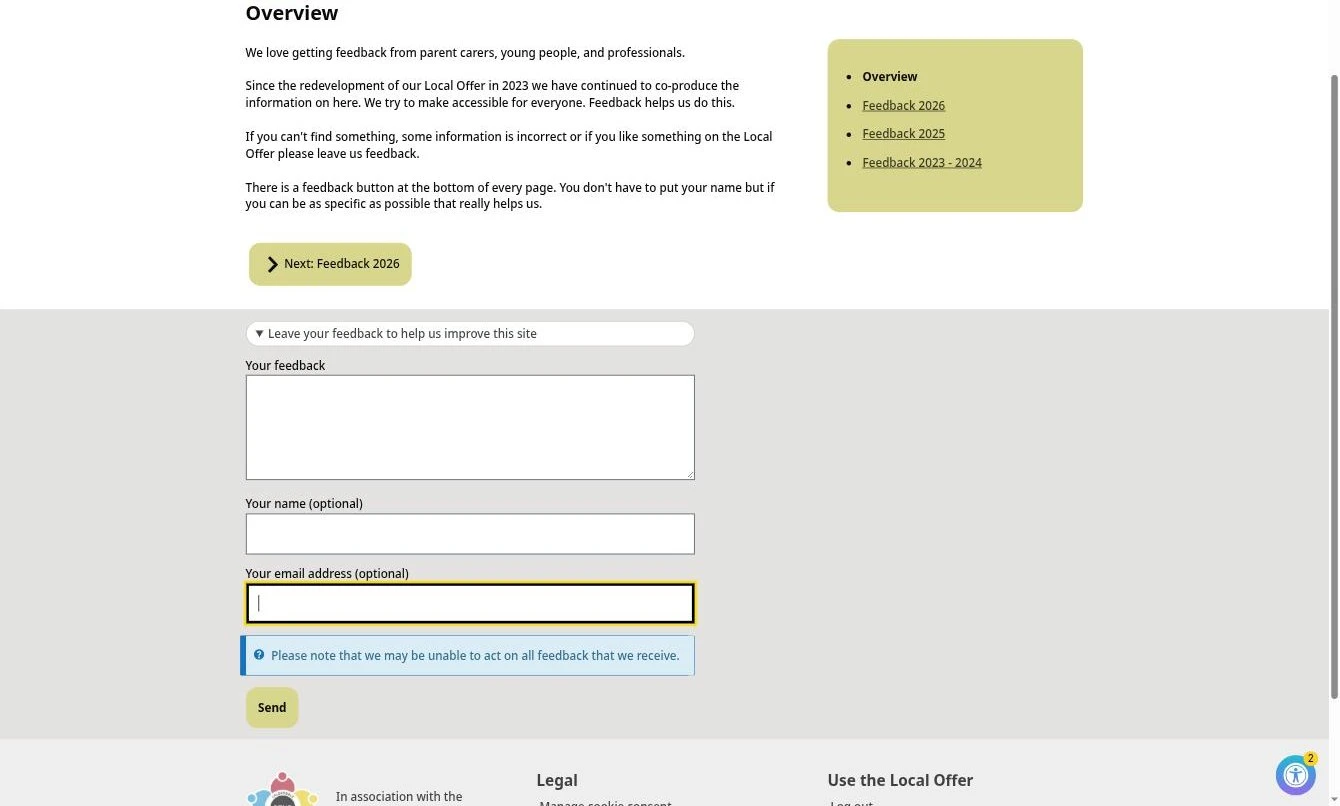
No login, no name needed, just a basic form for anyone to complete about any page.
You said, we did
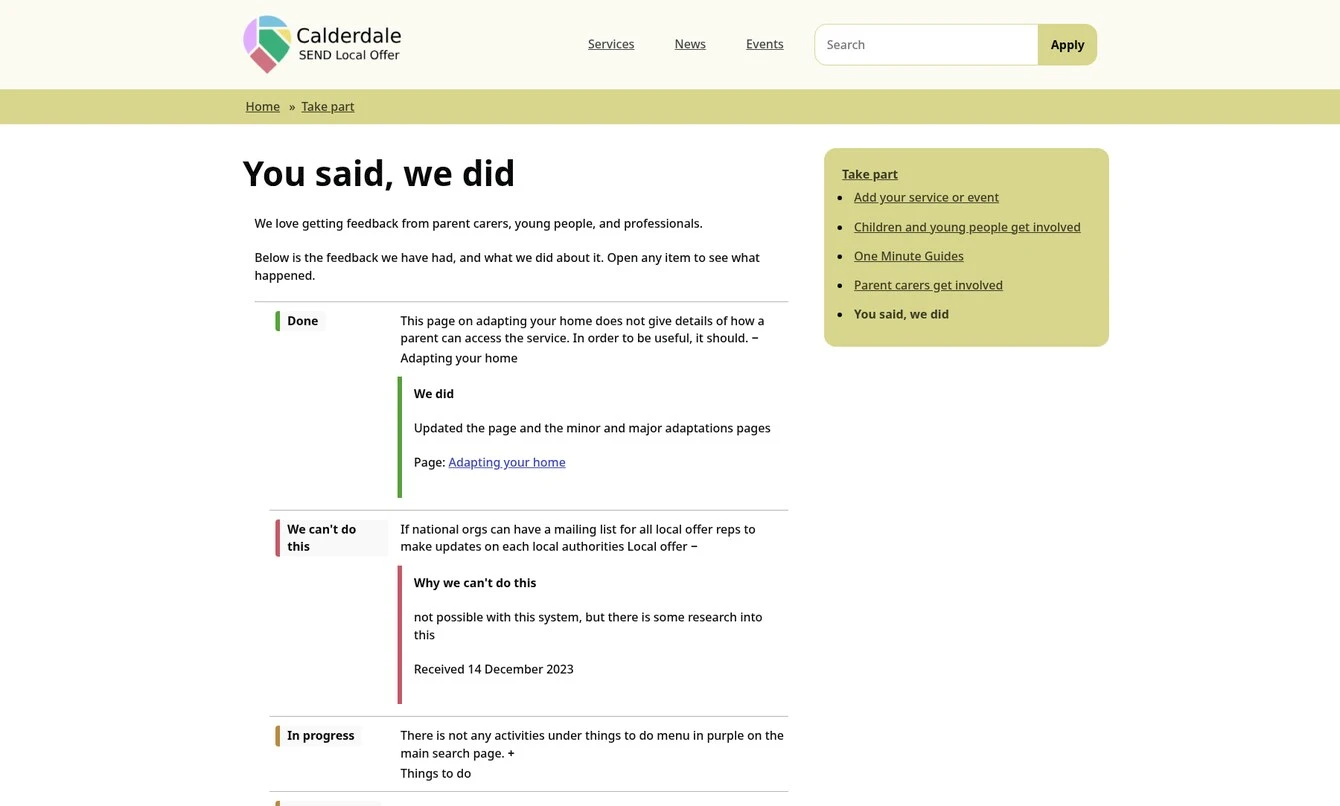
An easy to manage system that keeps You said, we did up to date. Parent carers can see how their voice is making a difference.
Coming soon
Ai search that's honest
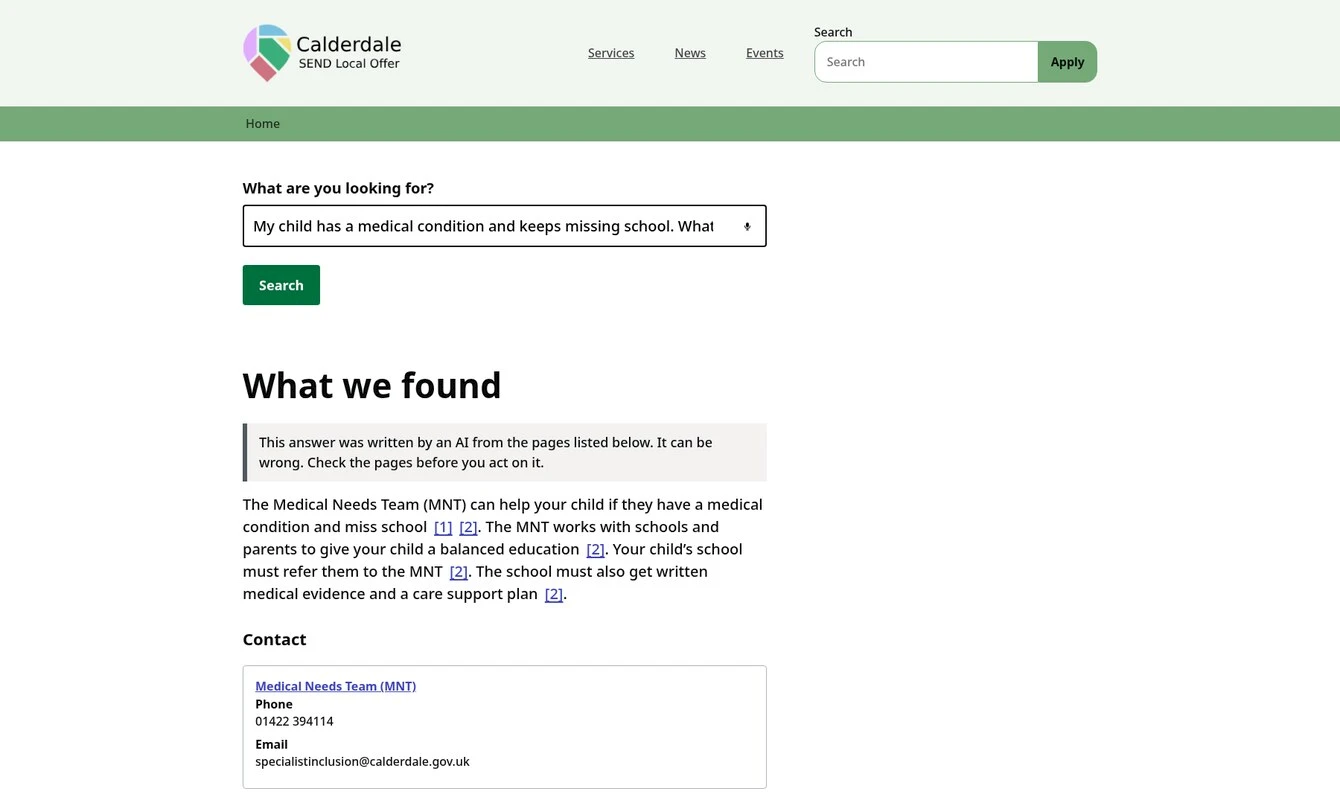
Simple English responses with links to the actual pages on your site.
Coming soon
Ready to talk? Talk to Jonny about your local offer