How Spoke's checklist works
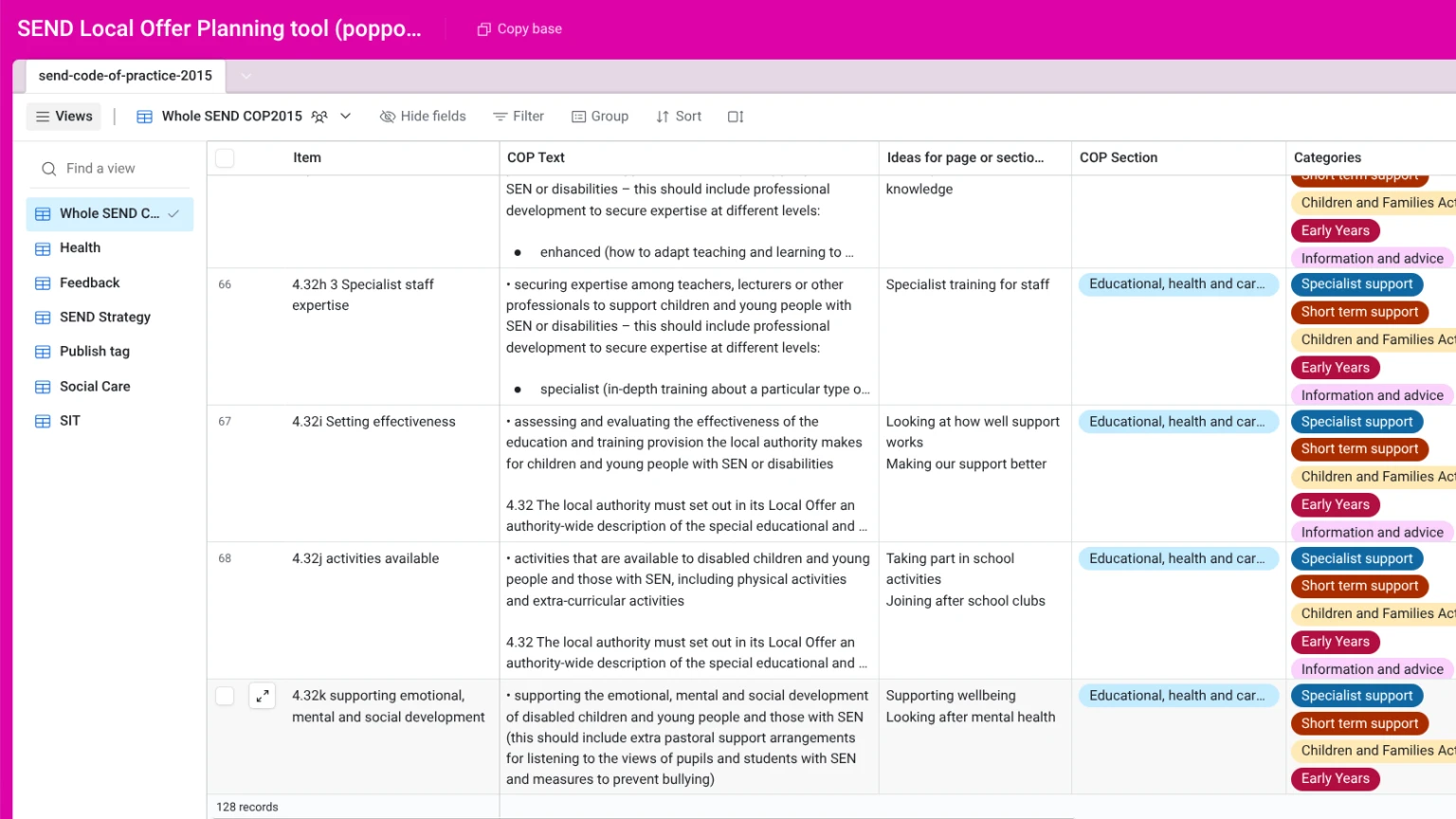
Screenshot of the planning tool
Spoke's 128 item checklist for a comprehensive SEND Local Offer
- Guidance on "What this looks like"
- Option to link to live Local Offer web pages
- Completely customisable for your council
- Designed as a to do list
Understanding the column headings
A short explanation of each column of the planning tool. If you have any questions, or suggestions on how to make this better, contact us.
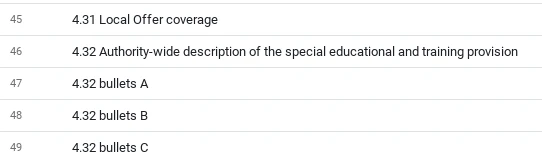
Item
Each item has a separate name such as "4.25 You said, we did", or "4.28 Data informed decisions".
Where an item is broken down into bullet points, the name might be "4.32 bullet B".
Code of Practice text
This is the text from the Code of Practice 2015. Where an item is a bullet point, the introduction text is added too.

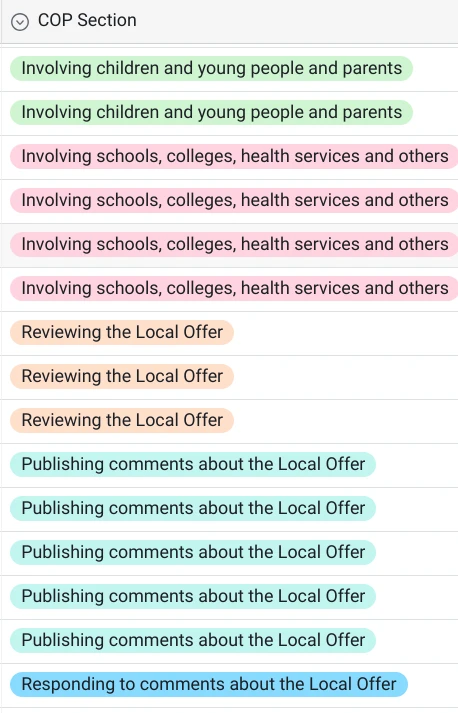
Code of Practice section
Section headings from the SEND Code of Practice Chapter 4, The Local Offer.
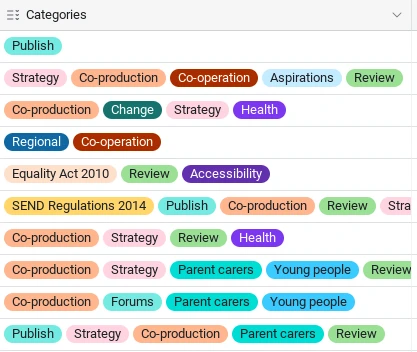
Categories
These are categories we've made to tag each item in the Code of Practice. Useful for planning co-production of services work.
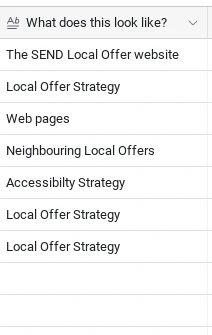
What does this look like?
Notes on how this may appear in the SEND Local Offer. For example it might be part of the SEND strategy document, your engagement policy, or your accessibility policy.
Link to the SEND Local Offer page
You can add a link to the relevant page from your SEND Local Offer.
Status
A tag to show if the item is to do (up next on your content), is weak on content, has been started, is under review, live, or has nothing.
The strategy tag shows the item is part of the whole Local Offer strategy, rather than a web page.
The settings tag is for content for schools, colleges, or childcare to create.
Responsibility
We've added a few tags to categorise each item under who is responsible for it. You can
- Edit the name of the item
- Change the item to a named person
- Add more options
Notes
For your notes.
Resources
You can add resources that you might need to help you. For example, links to health services, or to PDFs that need to be added as web content.
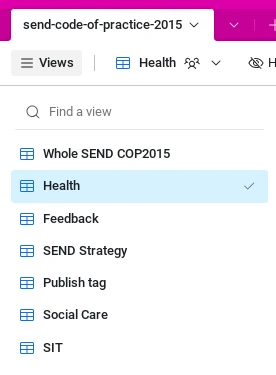
Views
With views you can see a filtered part of the whole list, for example all the health items, or anything related to the SEND strategy.
Group
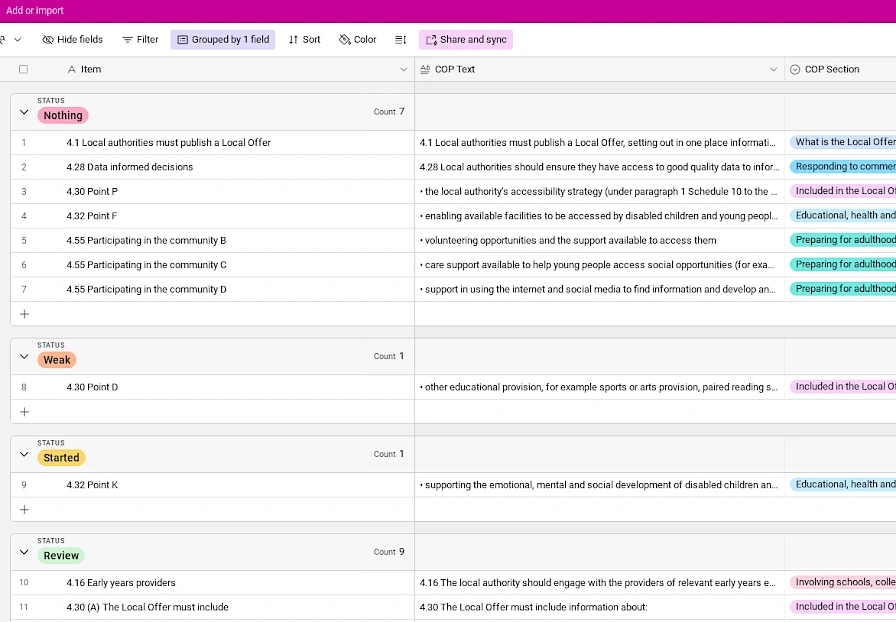
You can group items by status so you can see all the started, review, to do items and so on. This gives you a nice checklist to work from, and automatically moves items from one group to another when you change the status.
Try Spoke
Try Spoke yourself, working through the full 128 item checklist.