Skip to main content
Pop Pop Studio
Products
Belong
Your provision document as a website, with a school audit
Placid
A Local Offer platform built with your communities
Bearings
Your SEND local offer, audited for you
Chorus
Websites for parent carer forums
Rosette
Small accessible websites
Tools
Spoke
Free, self-serve SEND Local Offer planning tool
Dawn
Plain English is for everyone
Library
Every SEND document, article and blog post to search, and Ask Ai.
Ask Ai
Research and citation assistant for SEND
Survey
One question, every plan, side by side
Every
Free directories
Building an AI search interface
A step by step build of an AI search interface
Learn
Help
Contact
Log in
Home
/
Help
/
MIC
/
Audit
Audit
For SENCO and setting
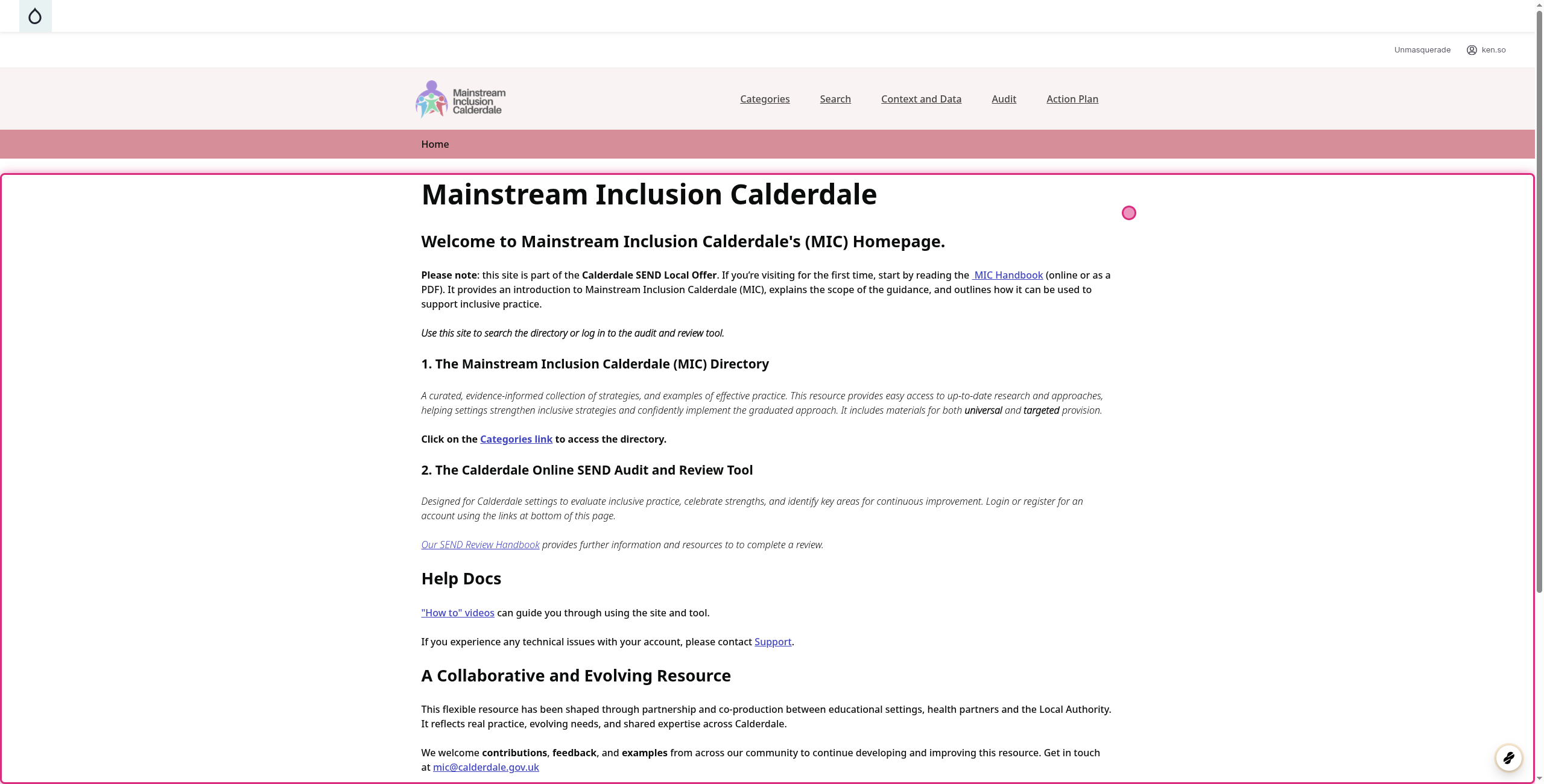
1. Go to Mainstream Inclusion Calderdale | Calderdale MIC
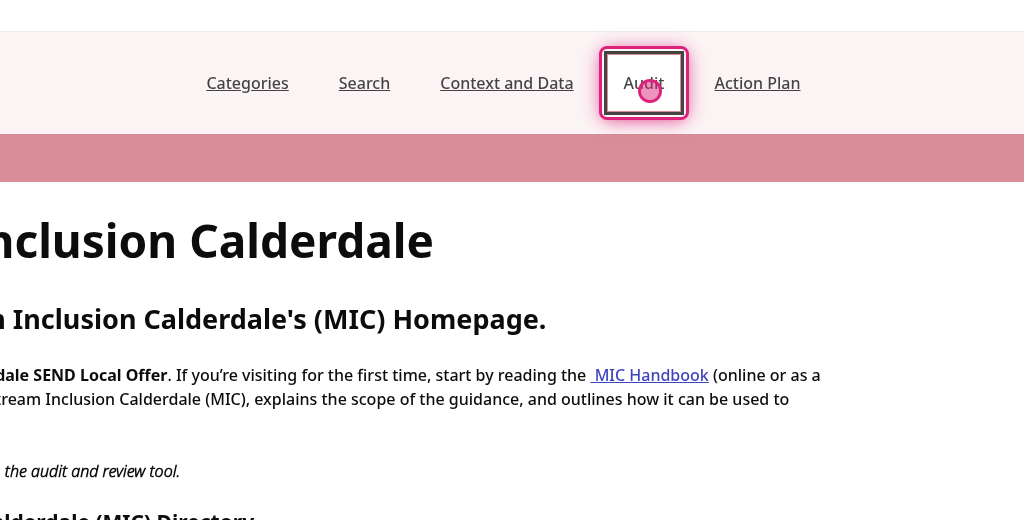
2. Click on Audit
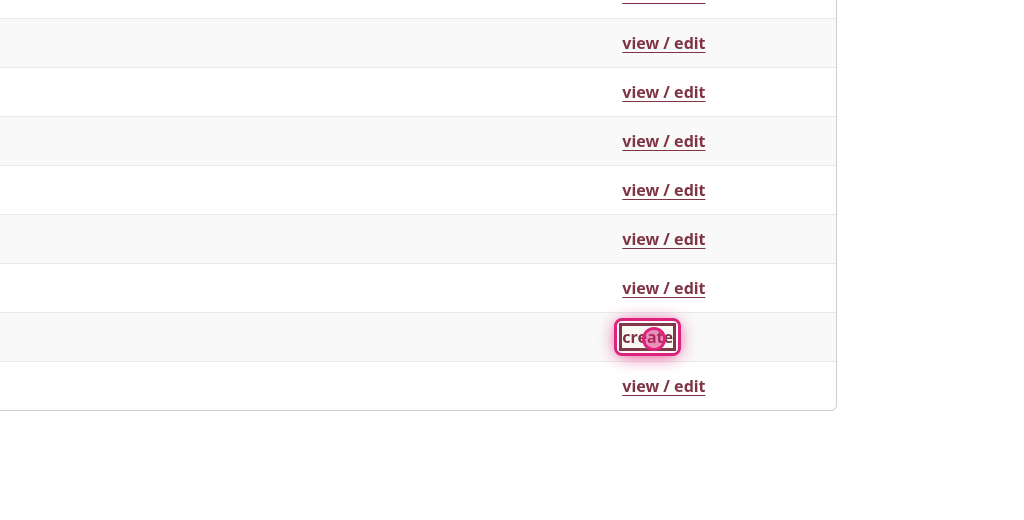
3. Click on create
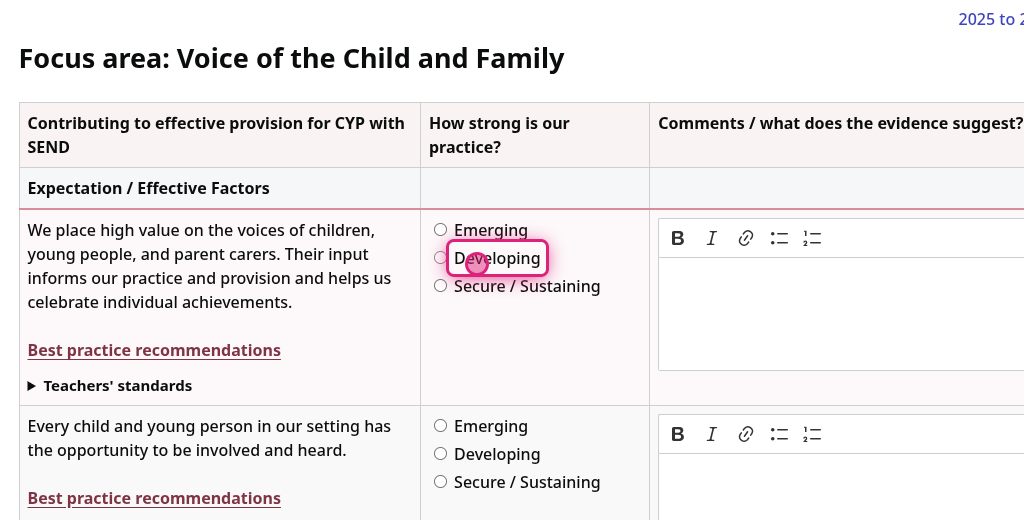
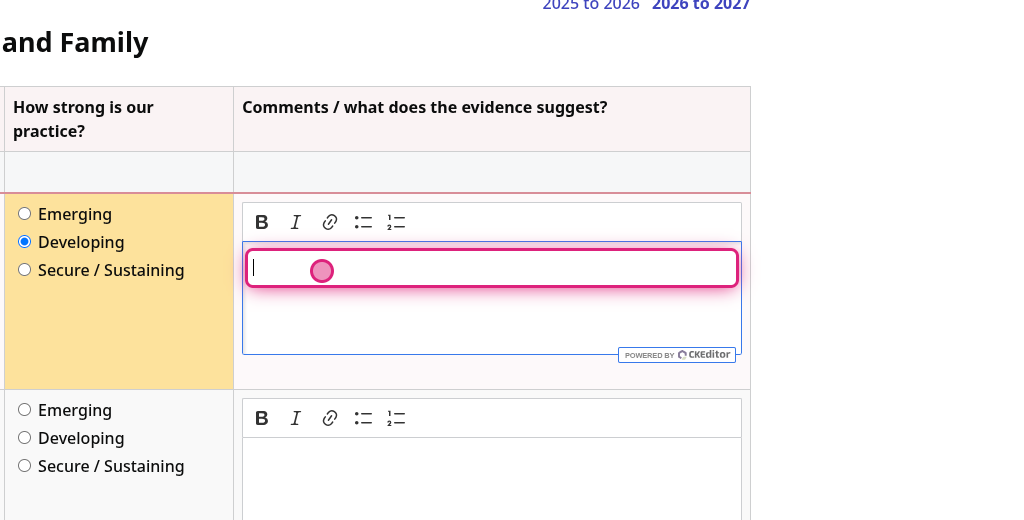
4. Click on How strong is our practice
5. Click on Comments
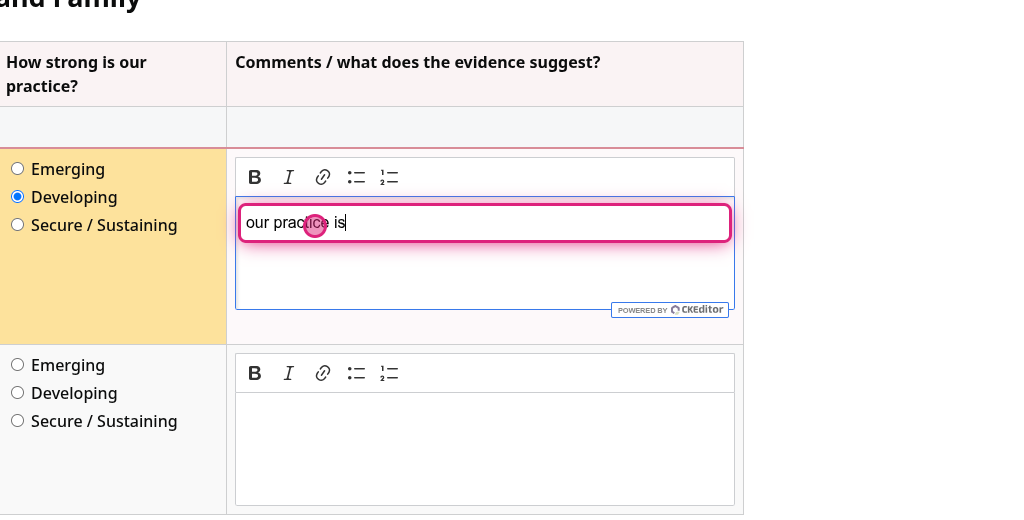
6. Type in Comments
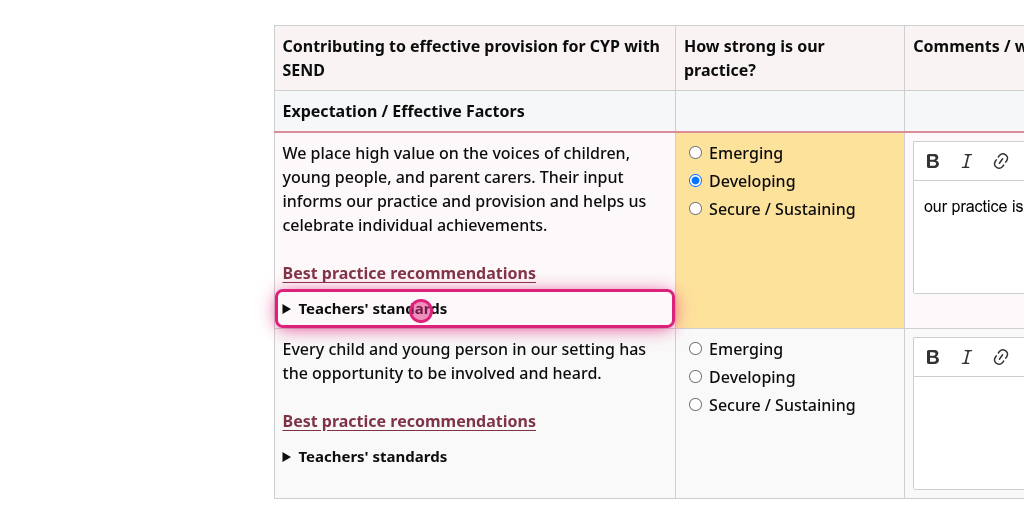
7. Click on Teachers' standards
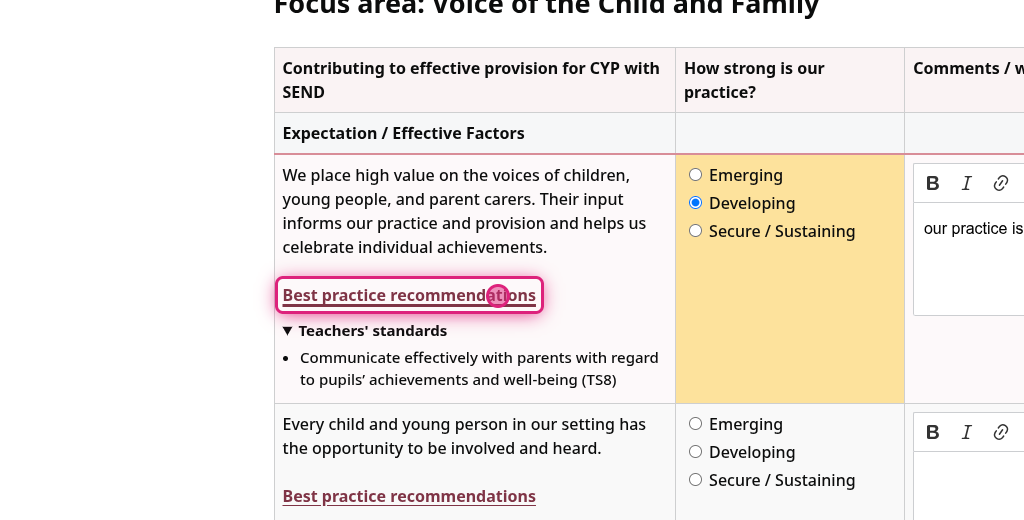
8. Click on Best practice recommendations
This opens in a new window
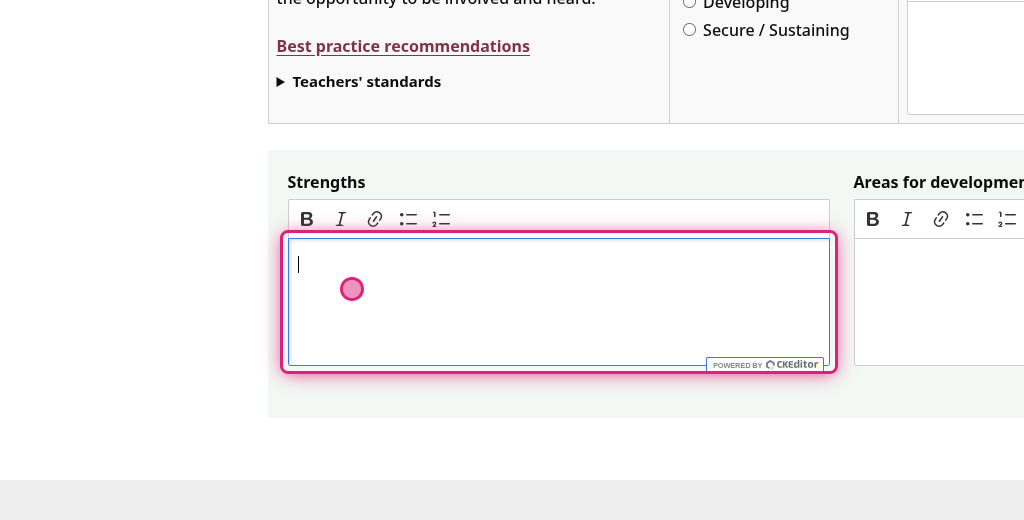
9. Click on Strengths comments
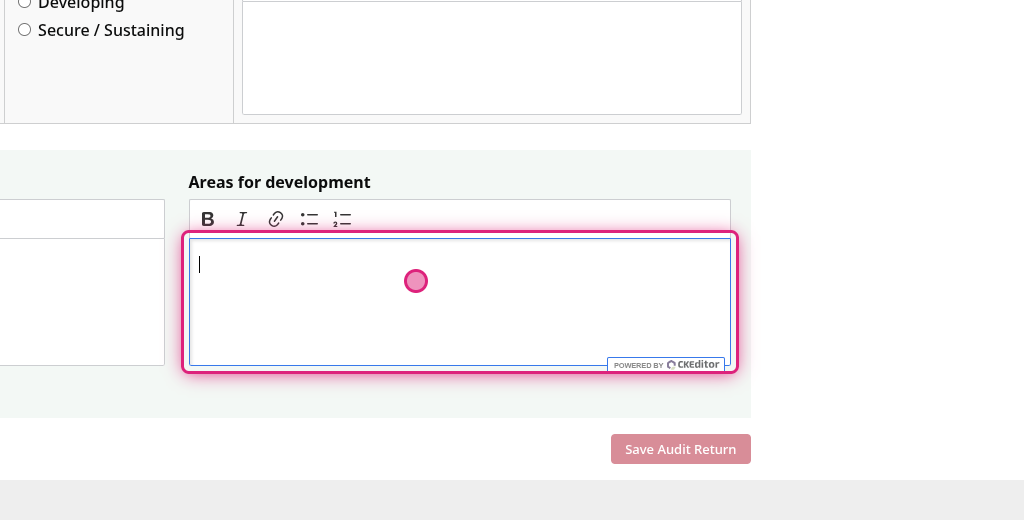
10. Click on Areas for Development comments
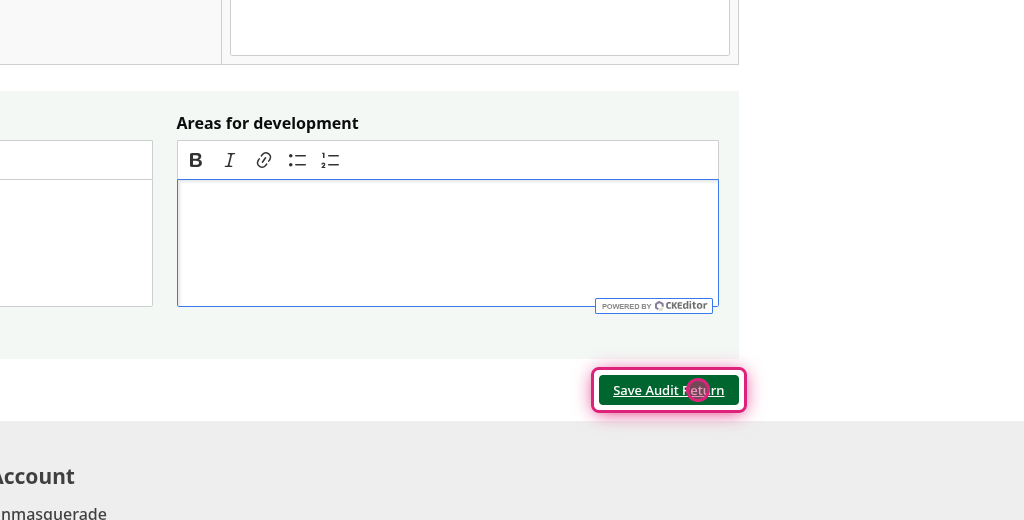
11. Click on Save Audit Return
Can't find what you need?
Contact support and we'll get back to you.
Contact support →