Print a priority or the full action plan

For SENCO and setting

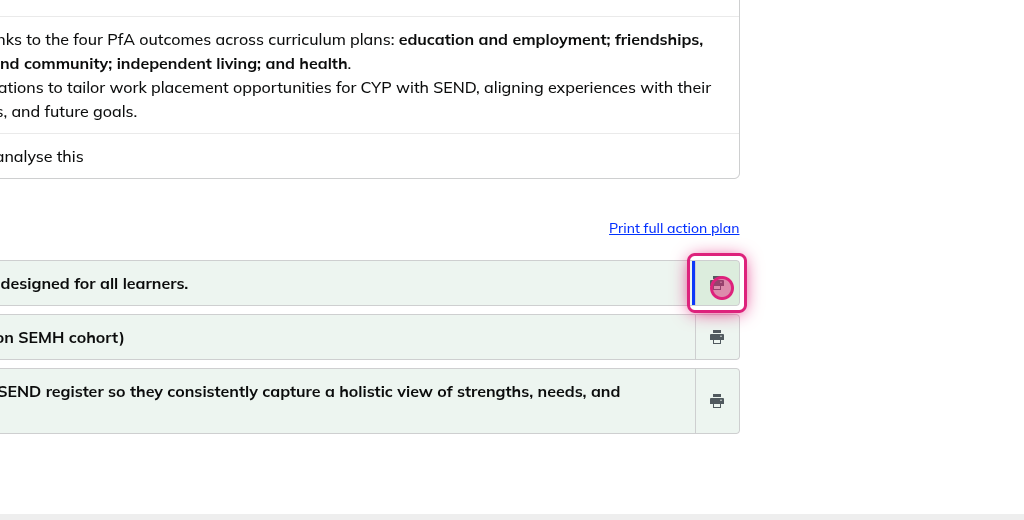
2. Click on Print icon

To print an individual Priority, opens a new tab and PDF for download

Screenshot of step 2, click on Print icon

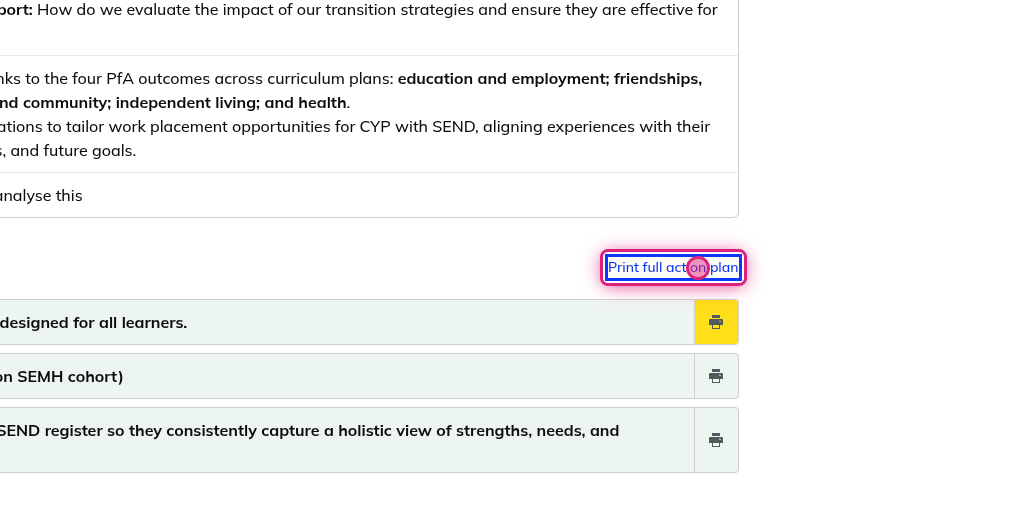
3. Click on Print full action plan

To print a full action plan, opens a new tab and PDF for download

Screenshot of step 3, click on Print full action plan

Can't find what you need?

Contact support and we'll get back to you.
Contact support →